ChatPPT产品与官网资讯博客站-官方资讯与动态
←Back Home
Weinik Intelligent Document MCP Server User Guide
ChatPPT产品与官网资讯博客站-官方资讯与动态Article使用教程

Weinik Intelligent Document MCP Server User Guide

#Intelligent Document#MCP Server#PPT generation#PPT生成#Resume Optimization#STDIO#Streamable HTTP#user guide
Published: March 20, 20262 min read874 words60299 views8052 likes
一、产品概述二、核心功能说明三、接入模式操作指引四、常见问题解答

内容目录

一、产品概述二、核心功能说明三、接入模式操作指引四、常见问题解答
"
"

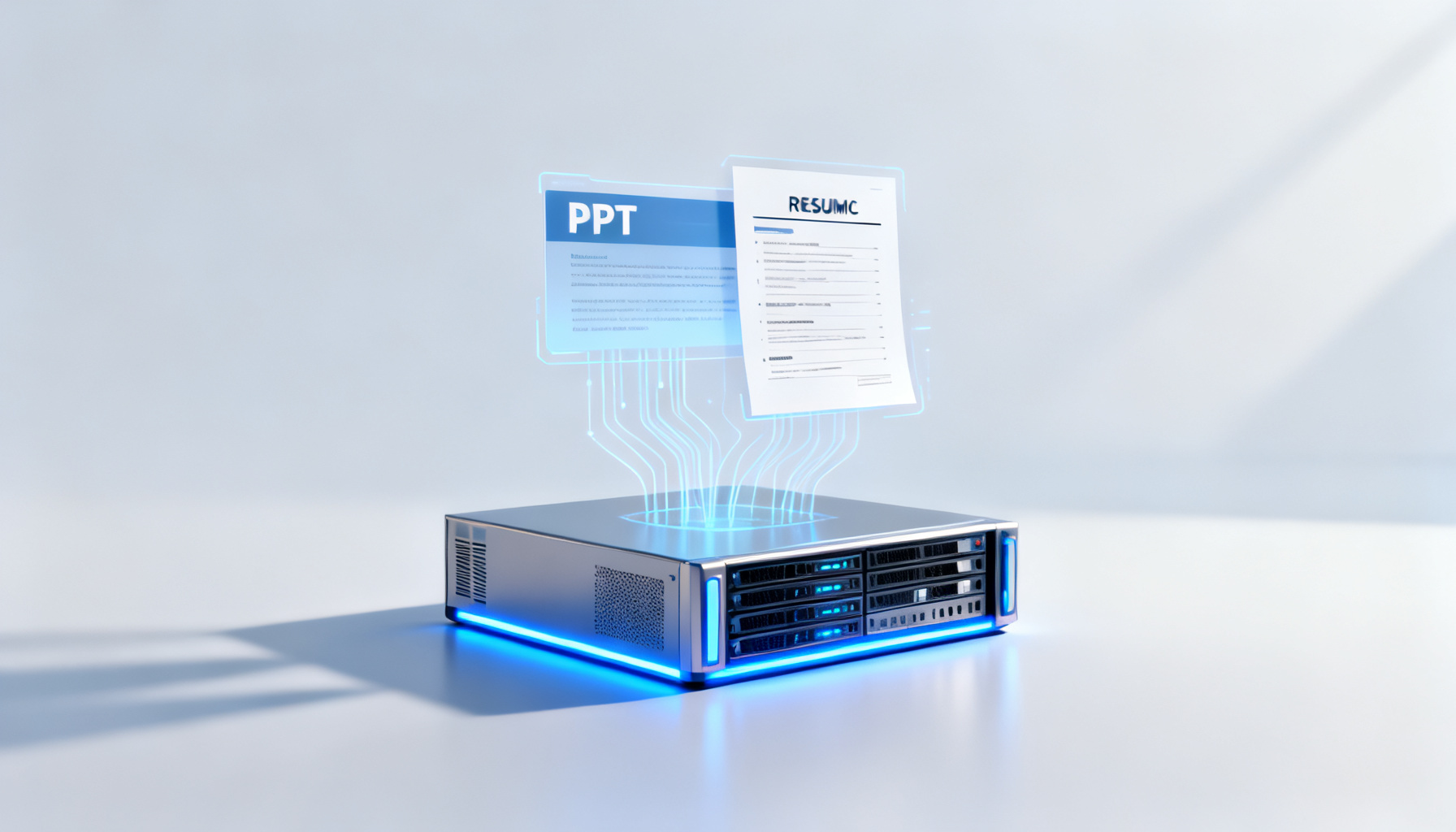
The Weinik Intelligent Document MCP Server is the world's first MCP Server for document creation, supporting PPT generation and resume optimization, with Streamable HTTP and STDIO access modes.

一、产品概述

韦尼克智能文档体 MCP Server 是全球首个基于文档创作的 MCP Server,目前开放 18 个智能文档接口能力,支持搭建专属文档创作工具,核心覆盖 PPT 处理与简历处理两大场景。

二、核心功能说明

(一)PPT 相关功能

生成能力:支持通过指令描述、长文本、markdown、本地文件、网络链接(如政策内容网页)生成 PPT;可生成答辩版、商业财经版等行业场景化 PPT。

优化与配套:可对生成的 PPT 进行模板替换;支持基于生成的 PPT 自动生成演讲稿。

浏览方式:目前仅开放 pptx 格式文档获取,可通过本地应用打开或浏览器预览。

(二)简历相关功能

基础创作:可生成指定背景的简历文档。

精准优化:支持结合 JD 数据接口匹配 JD 信息,优化简历内容,提升人岗匹配度。

三、接入模式操作指引

(一)Streamable HTTP 模式(全新上线,推荐普通用户)

核心优势:零部署(无需下载源码、运行服务)、即插即用(适配 Cursor ≥ v0.5 等主流 MCP 客户端)、流式交互(PPT 生成实时预览 + 在线编辑)、能力全面(支持全部 Tools 功能)。

操作步骤:在支持 MCP 的客户端中配置服务地址,完成后即可直接使用所有已授权能力,无需额外安装代码运行环境或编译工具。

(二)STDIO 模式(推荐开发者)

核心优势:开发门槛低(需基础编程语言技能,无需复杂网络编程)、跨平台(支持 Windows/Linux/macOS)、交互高效(规避协议栈开销,适合实时数据处理)、低资源占用(不额外创建网络资源,适配资源受限环境)。

适用场景:快速原型开发、跨平台应用打造、实时数据处理、资源受限环境使用。

四、常见问题解答

Q:如何读取文档内容?

A:支持通过云端文档 URL 或本地文件地址读取长文本内容。

Q:能否替换自有 PPT 的模板?

A:目前仅支持对 MCP Server 生成的 PPT 进行模板替换,本地文件模板替换能力将后续迭代。

Q:一个 Token 是否支持所有能力?

A:Token 授权范围以 “必优科技韦尼克智能文档体开放平台” 创建的应用为单位,创建应用时选择的能力即为 Token 可使用的能力,未选择的能力无法调用。
AI Summary

This guide covers the product overview, core features (PPT generation and resume optimization), setup instructions for Streamable HTTP and STDIO modes, and FAQs for the Weinik Intelligent Document MCP Server.

Article Snapshot

Published

March 20, 2026

min read

2

words

874

likes

8052

Continue Exploring

Category Path

使用教程

Open Now→

Search Tag

#Intelligent Document

Open Now→
新手入门高级进阶
8052likes: 8052
Back Home↗

Related Stories

Dual-Engine Art Director: How ChatPPT's Creative Drawing Mode Brings Presentations into an Editable Visual Era
October 14, 2026
使用教程216 views67 likes

Dual-Engine Art Director: How ChatPPT's Creative Drawing Mode Brings Presentations into an Editable Visual Era

ChatPPT's Creative Drawing Mode, powered by the dual engines of Banana Pro+2 and GPT-image2, upgrades presentations from template arrangement to editable visual creation that balances content, structure, and aesthetics.

From Layout Tool to Visual Art Engine: ChatPPT Reshapes Presentation Aesthetics with Creative Drawing Mode, Nano Banana Pro/2, and GPT-Image2
October 13, 2026
使用教程756 views86 likes

From Layout Tool to Visual Art Engine: ChatPPT Reshapes Presentation Aesthetics with Creative Drawing Mode, Nano Banana Pro/2, and GPT-Image2

ChatPPT launches Creative Drawing Mode with Nano Banana Pro/2 and GPT-Image2, moving AI-generated presentations beyond template assembly toward editable visual art.

Handing the Last Mile to AI: How ChatPPT Closes the Loop Between Roadshows, Scripts, and Voice Cloning
October 13, 2026
使用教程576 views100 likes

Handing the Last Mile to AI: How ChatPPT Closes the Loop Between Roadshows, Scripts, and Voice Cloning

ChatPPT turns static slides into expressive, interactive, and distributable smart presentation assets through AI-generated scripts, AI roadshows, voice cloning, and AI Q&A with source tracing, closing the last mile of presentations.

Try Product
ChatPPT产品与官网资讯博客站-官方资讯与动态

ChatPPT专属资讯与用户文档博客站,第一手的行业动态与讯息,官方站~

Categories

职场干货产品动态使用教程行业洞察

Topics

工具推荐AI办公趋势竞品测评版本发布行业新闻新手入门功能解析高级进阶
HomeAPI Docs访问官网隐私政策服务条款

© 2026 ChatPPT产品与官网资讯博客站-官方资讯与动态. All rights reserved.