
支持实时保存吗?
PPT实时保存
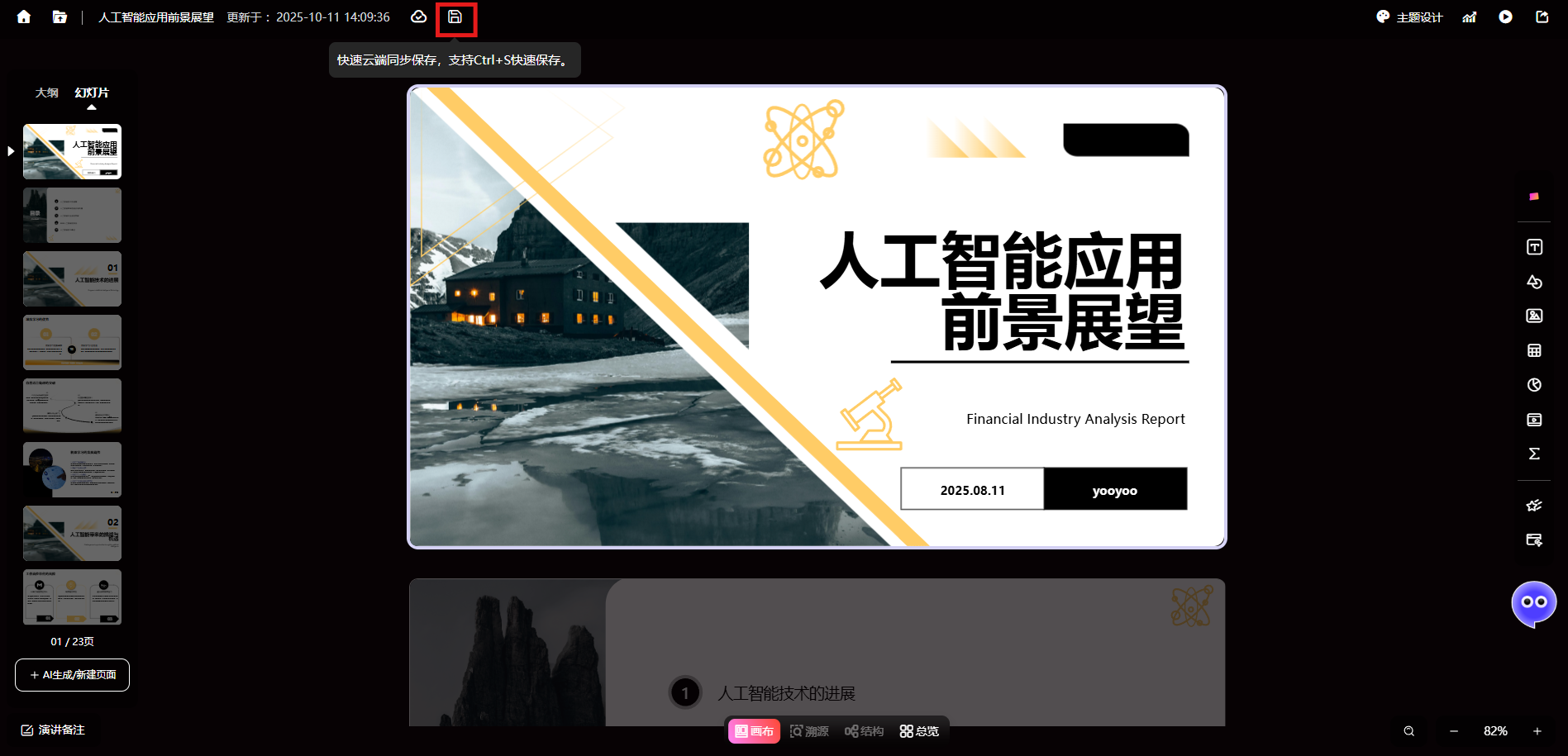
PPT生成完成后,选择左上角【保存】或者直接Ctrl+S快速保存
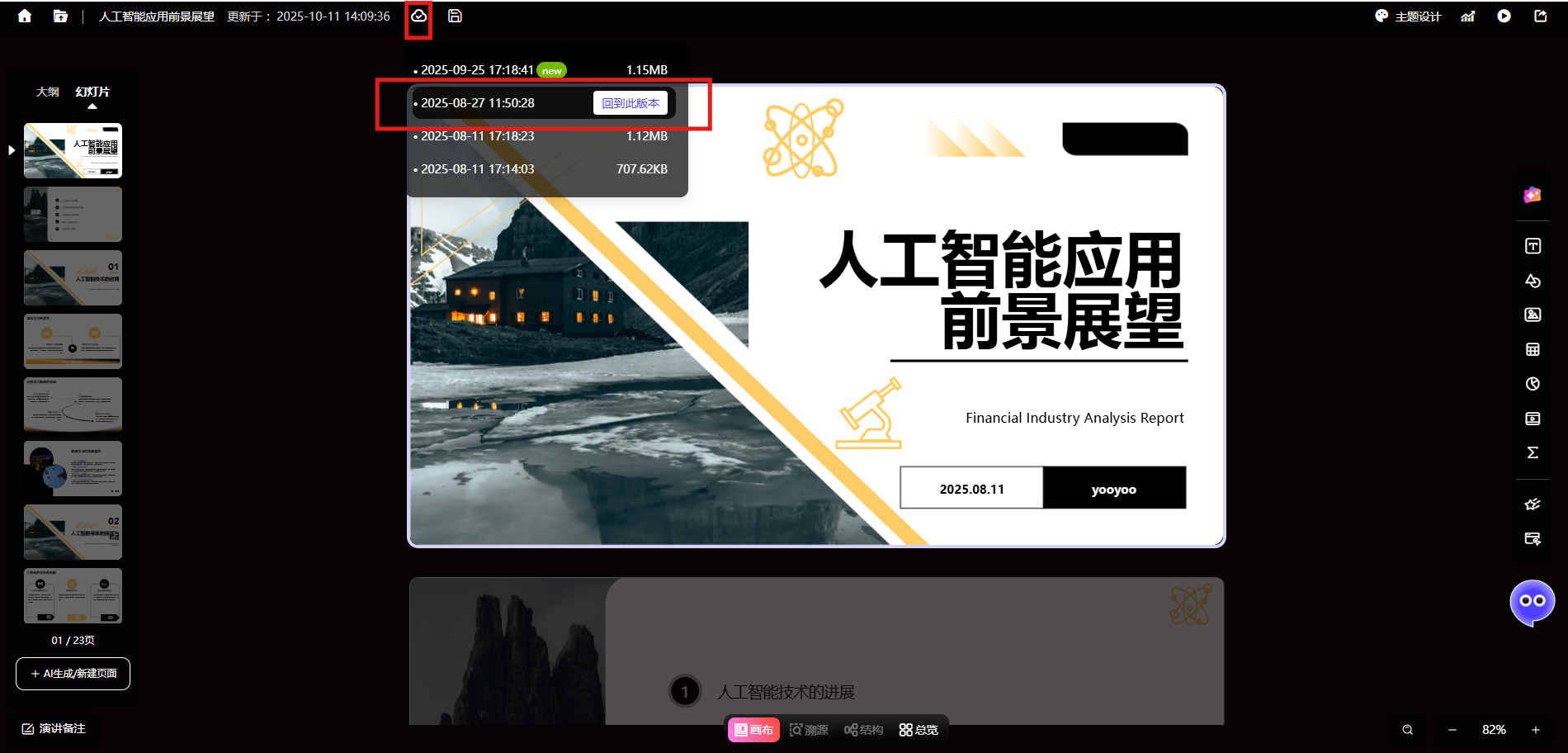
支持查看、恢复历史版本
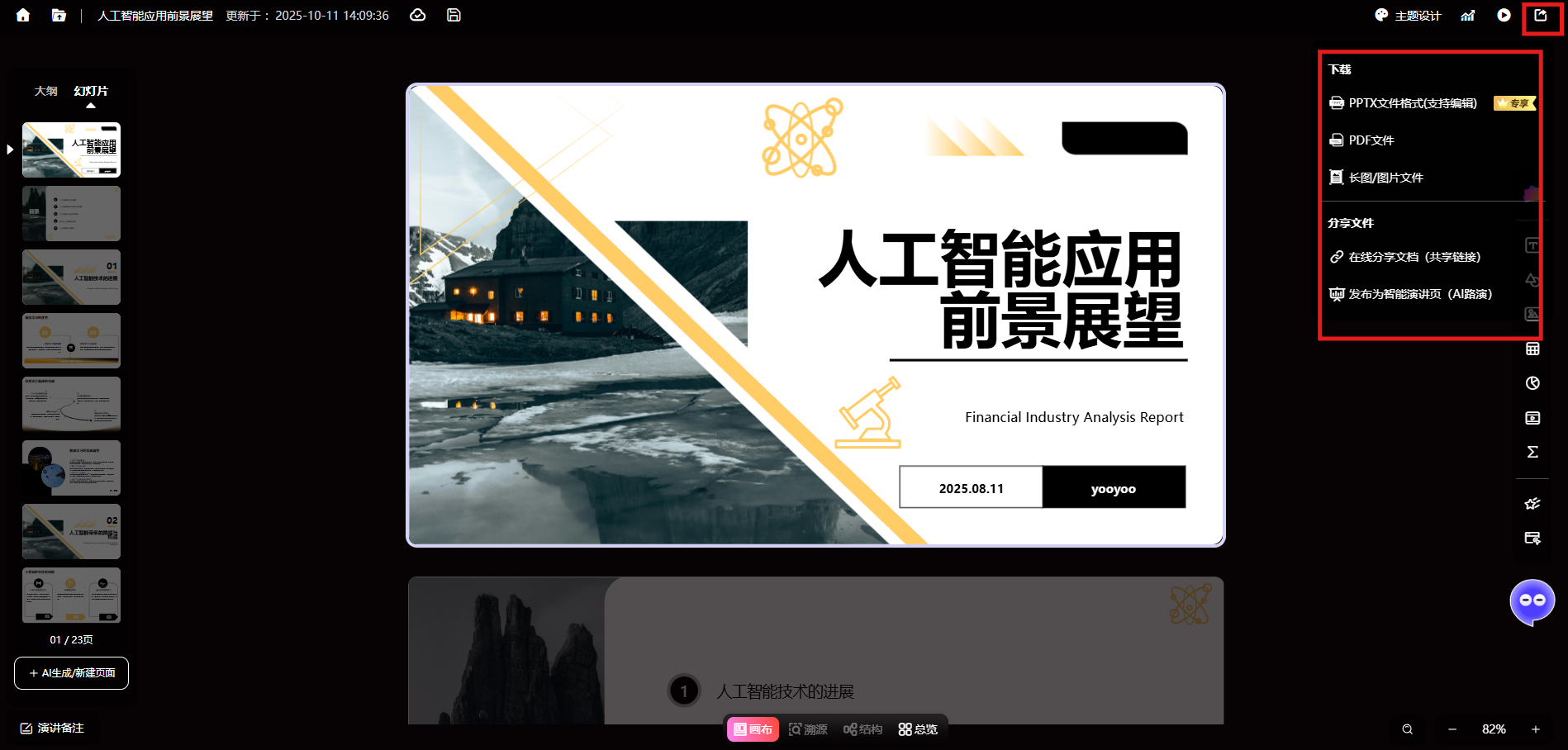
点击右上角【分享】按键即可下载为PPTX、PDF、长图文件或分享链接、发布为智能演讲页
Save your PPT in real time using the save button or Ctrl+S, and view or restore previous versions.
This article explains the real-time saving feature for PPT, allowing quick saves via button or Ctrl+S, with the ability to view and restore historical versions, and supports downloading as PPTX, PDF, and more.
April 2, 2026
1
101
8013
ChatPPT uses AI speechwriting, voice cloning, and AI roadshows to turn static slides into intelligent digital avatars that can present independently, redefining the next-gen office suite.
ChatPPT reshapes the full presentation workflow with AI speech scripts and AI roadshows, turning static slides into intelligent speaking pages through script generation, voice cloning, and AI Q&A with source tracing.
ChatPPT's Creative Drawing Mode uses the banana pro+2 and gpt-image2 dual-model engine, combined with layer separation and Magic Painting, to turn presentations into editable art canvases.