ChatPPT产品与官网资讯博客站-官方资讯与动态
←Back Home
ChatPPT Speech-to-PPT: Efficient Presentation Tool for Government Work
ChatPPT产品与官网资讯博客站-官方资讯与动态Article功能解析

ChatPPT Speech-to-PPT: Efficient Presentation Tool for Government Work

#AI presentation#AI演示#ChatPPT#Document Import#Government Work#PPT工具#Speech-to-PPT#政务工作#文档导入#智能排版#演讲备注#演讲稿生成PPT
Published: March 22, 20262 min read1090 words6187 views696 likes
💡 如何获得最佳体验?💎 总结

内容目录

💡 如何获得最佳体验?💎 总结
"
"

ChatPPT's speech-to-PPT feature converts Word, PDF, and other documents into professional slides, offering original text preservation or AI optimization, with automatic speaker notes generation, ideal for government and other precision-demanding scenarios.

政务工作的救星ChatPPT:演讲稿生成PPT 真的超棒!

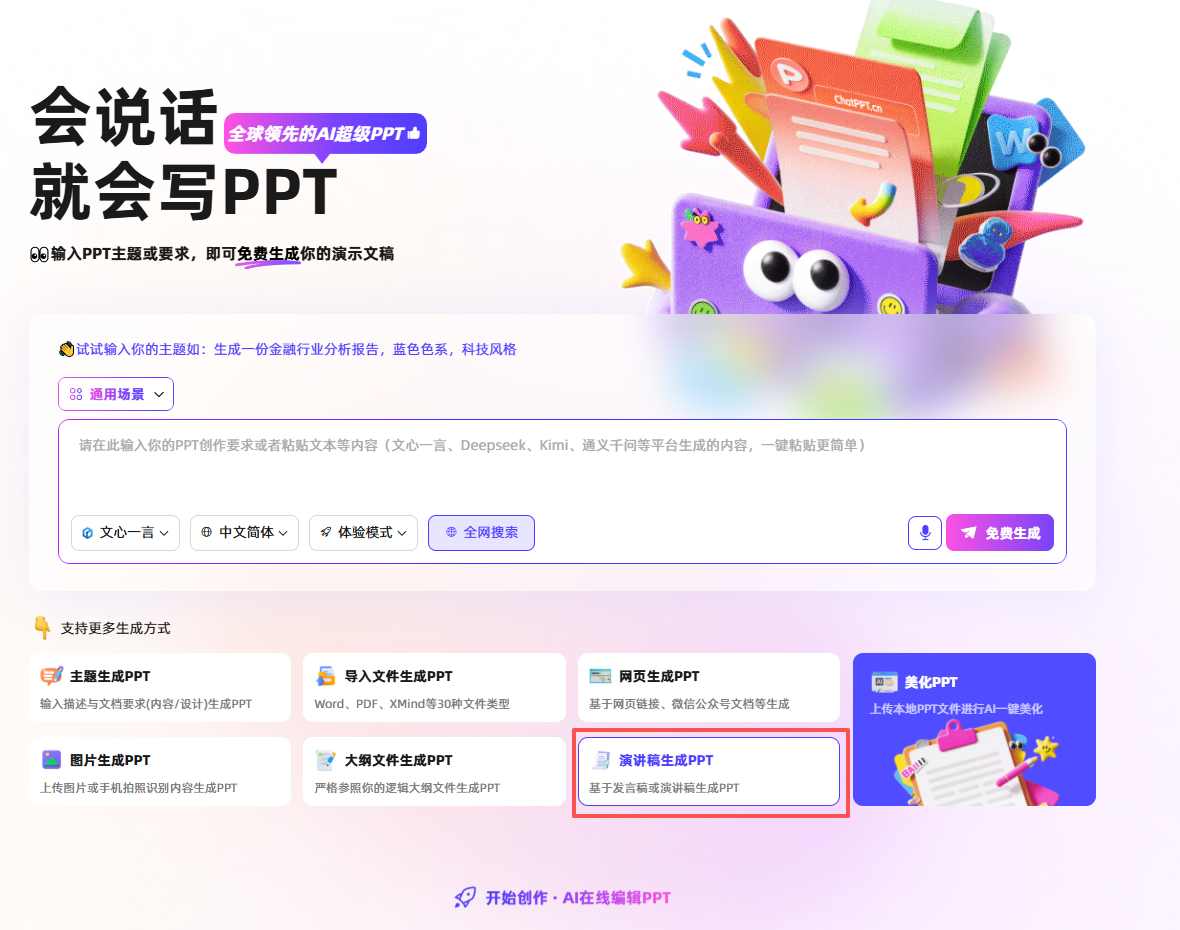
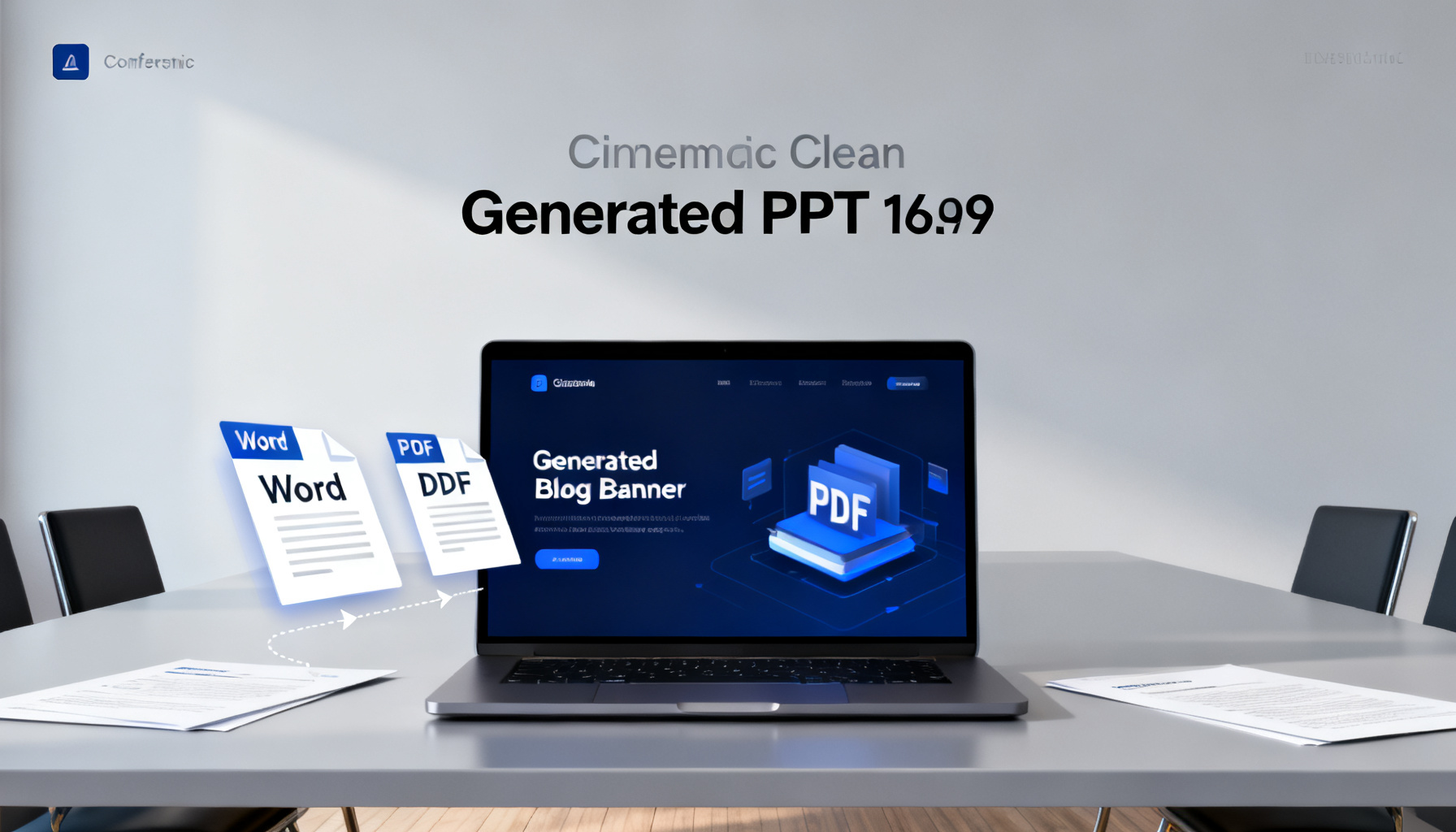
ChatPPT 的“导入演讲稿生成PPT”功能,旨在将您已有的文稿(如Word文档、PDF文件等)快速转换为一套视觉专业、逻辑清晰的演示幻灯片。下面这个表格清晰地展示了其核心能力和操作流程。

功能环节 核心能力说明 特别亮点
📥 文档导入 支持超过30种文件格式,包括 Word (.doc/.docx)、PDF、TXT、Markdown、XMind 思维导图等。甚至支持直接粘贴来自 ChatGPT、文心一言等大模型生成的文本内容。 对长文档处理能力强,能快速解析上百页文档并保持目录结构完好。
🎯 内容处理模式 提供“保持原文”和“AI优化”两种模式。选择“保持原文”后,AI将专注于排版设计,不会擅自改动您的文字内容和关键数据。 精准还原专业术语、公式、古诗文等,中文实体识别准确率宣称高达96%。
✨ 智能排版与美化 基于自研的“图笏模型”,自动为原文内容匹配逻辑清晰的幻灯片结构(如目录页、章节过渡页)和丰富的版式(如时间轴、数据图表、SWOT分析等)。 提供全文或单页的“一键美化”,可统一更换模板、字体、配色,消除拼凑感。
🎙️ 演讲辅助生成 自动生成演讲者备注。AI会分析PPT内容,智能生成结构完整、语气得当的演讲稿,并可添加到每页幻灯片的备注中。 支持选择演讲风格(如开门见山、故事引入)和语气(如专业、幽默),使讲稿更贴合场景。
📤 输出与分享 生成结果可导出为可编辑的PPTX文件,也可一键输出为PDF、长图或AI演讲链接。 分享的链接可包含溯源信息,观众能同时查看PPT、演讲稿和数据出处。

在这里插入图片描述 ChatPPT官网:www.chatppt.cn

💡 如何获得最佳体验?

为了确保导入演讲稿生成PPT的过程顺畅高效,你可以参考以下实践建议:

  • 源文件预处理:确保您的演讲稿本身结构清晰,拥有明确的标题层级和段落划分。这能帮助AI更准确地理解内容逻辑。
  • 模式选择原则:如果您的文稿内容已经过反复推敲,力求精准(如学术答辩、政务报告),请优先选择“保持原文”模式。如果稿件是一个初步提纲,希望AI协助丰富内容,则可以选择“AI优化”模式。
  • 善用后续编辑:将AI生成的结果视为高质量的初稿。生成后,你完全可以利用ChatPPT提供的工具或PowerPoint/WPS自身的功能,对细节进行微调,使其完全符合你的个人需求。

💎 总结

总而言之,ChatPPT的导入演讲稿生成PPT功能,尤其适合需要频繁将成熟文稿(如报告、论文、方案)转化为演示幻灯片的用户。其精准的内容还原、强大的中文处理能力、深度的演讲辅助以及友好的免费政策,使其在众多AI PPT工具中表现出独特的实用价值。

AI Summary

ChatPPT's speech-to-PPT feature uses intelligent layout and presentation aids to quickly transform documents into professional slides, supporting precise content preservation and automatic note generation, suitable for government and academic use.

Article Snapshot

Published

March 22, 2026

min read

2

words

1090

likes

696

Continue Exploring

Category Path

功能解析

Open Now→

Parent Category

产品动态

Open Now→

Search Tag

#AI presentation

Open Now→
版本发布
696likes: 696
Back Home↗

Related Stories

Biyou Technology Recognized as Member of MIIT's AI Application Working Group
May 12, 2026
企业获奖6249 views591 likes

Biyou Technology Recognized as Member of MIIT's AI Application Working Group

Biyou Technology has been officially designated as a member of the AI Application Working Group under the MIIT Industrial Culture Development Center, with its UTalk real-time intelligent document platform receiving AI industry innovation certification.

Quick Start: Experience and Installation Guide
May 12, 2026
新手入门3512 views342 likes

Quick Start: Experience and Installation Guide

This article covers how to quickly experience and install the tool, including online trial and local deployment steps.

In-Depth Review from Product Design & Logic: Why ChatPPT Is the Only 'Complete Product' in the AI PPT Track
May 12, 2026
工具推荐2808 views229 likes

In-Depth Review from Product Design & Logic: Why ChatPPT Is the Only 'Complete Product' in the AI PPT Track

From a product manager's perspective, this review finds ChatPPT the only 'complete product' in AI PPT tools, thanks to its full-chain closed-loop design, semantic understanding, and controllability, earning a 9.8/10 score.

Try Product
ChatPPT产品与官网资讯博客站-官方资讯与动态

Get the latest ChatPPT updates, tutorials, industry insights, and design inspiration. We are reshaping how presentations are created.

Categories

职场干货产品动态使用教程行业洞察

Topics

AI办公趋势竞品测评工具推荐新手入门行业新闻版本发布高级进阶功能解析
HomeAPI Docs访问官网隐私政策服务条款

© 2026 ChatPPT产品与官网资讯博客站-官方资讯与动态. All rights reserved.

企业获奖
企业动态